

See a Green Dot on Your Android Phone? Here’s What It Means
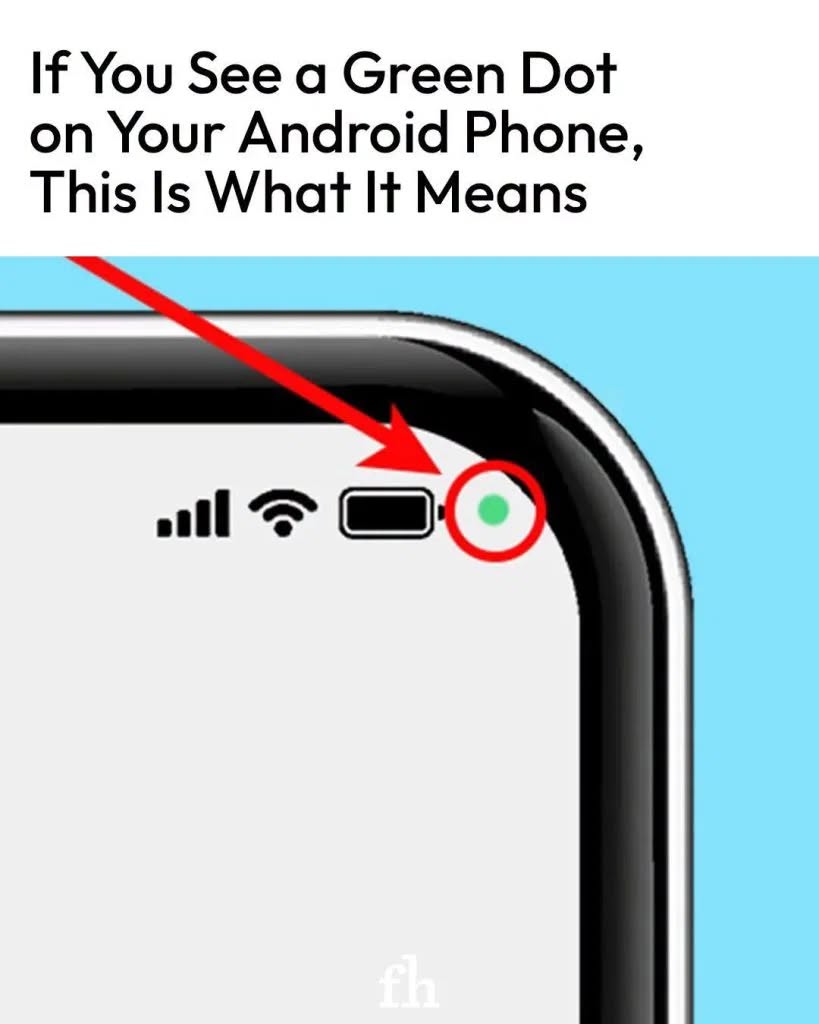
The green dot in the upper-right corner of your Android phone might seem confusing, but it is a privacy indicator designed to let you know when certain device features are being accessed.Language Resources
Much like its iPhone competitor, Samsung has designed its Android phones with several important alert icons. Some are more intuitive than others, but one that users frequently ask about is the green dot in the upper-right corner. It indicates that a feature is active, but users may not always know which feature or app is responsible.
Samsung says the feature is intended to help customers feel more in control of their privacy settings. Once you know what the indicator means, you can determine whether you need to review your phone’s privacy and permissions settings.
Discover more
Mobile Phones
Dictionaries & Encyclopedias
What Does the Green Dot Mean?
On Android phones that use this Android OS
privacy indicator, a green dot can appear when an app is accessing your device’s camera or microphone. The indicator may appear while you are intentionally using the camera or microphone, but it can also be useful when you do not remember giving an app permission to access either feature.
If you see the green dot while using an app that you expect to need your camera or microphone, there may be nothing unusual happening. However, if the indicator appears unexpectedly, it is worth checking which app is using the device feature.
What Should You Do if You See the Green Dot?
According to Samsung, you can check which app is using your camera or microphone in a few quick steps. When the privacy notification first appears, it can indicate whether the camera, microphone, or both are being accessed. The notification may then shrink to a small green dot in the
upper-right corner alongside other active indicators.
Swipe down on the notification bar to open it, then tap the indicator to expand the information. A dialogue box can show whether the camera, microphone, or both are being used and which app is accessing them.
If you recognize the app and are comfortable with its camera or microphone access, you may not need to take any further action.
However, if you do not remember granting the indicated app permission to use your camera or microphone, you can open your phone’s settings and review or disable those permissions. If the notification identifies an app you no longer use, you may also consider uninstalling it.
Why This Privacy Indicator Matters
The green dot provides a quick way to notice when an app is accessing sensitive hardware on your phone. Checking the indicator when it appears unexpectedly can help you stay aware of which apps
have access to your camera and microphone.
Reviewing app permissions regularly is also a useful privacy practice. You can remove permissions that an app does not need or uninstall apps you no longer use.
Overall, seeing a green dot does not automatically mean that something is wrong with your phone. It is primarily a visual privacy notification that helps you understand when your camera or microphone is being accessed.
“`